
During COVID I decided to study again, which has led me to doing a class on social media content creation at Deakin University #ACL708. I thought we might have to write a few blogs and learn key words to help drive traffic. What I didn’t expect was that we would have to use Twitter.
Twitter has been around since 2006 and except for a few tweets during conferences to try to win a prize I have managed to avoid it. However now with the focus on ‘learning by doing‘ I have opened a Twitter account and am trying to embrace the challenge.
Tip 1 – Top vs Latest
The first tip I have learnt is the difference between ‘Top’ and ‘Latest’
Twitter defaults to the ‘Top’ tweet. For the hashtag #ACL708 that tweet is dated 30 Jan 2019, not ideal if you are looking for the current class content.
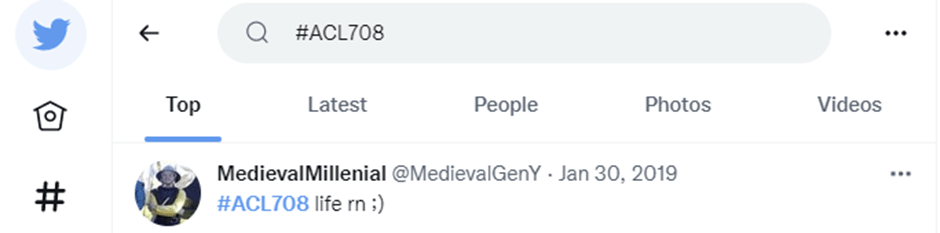
Select ‘Latest’ to get the most recent content. At the moment of writing this blog the latest tweet is my first tweet just one hour ago.
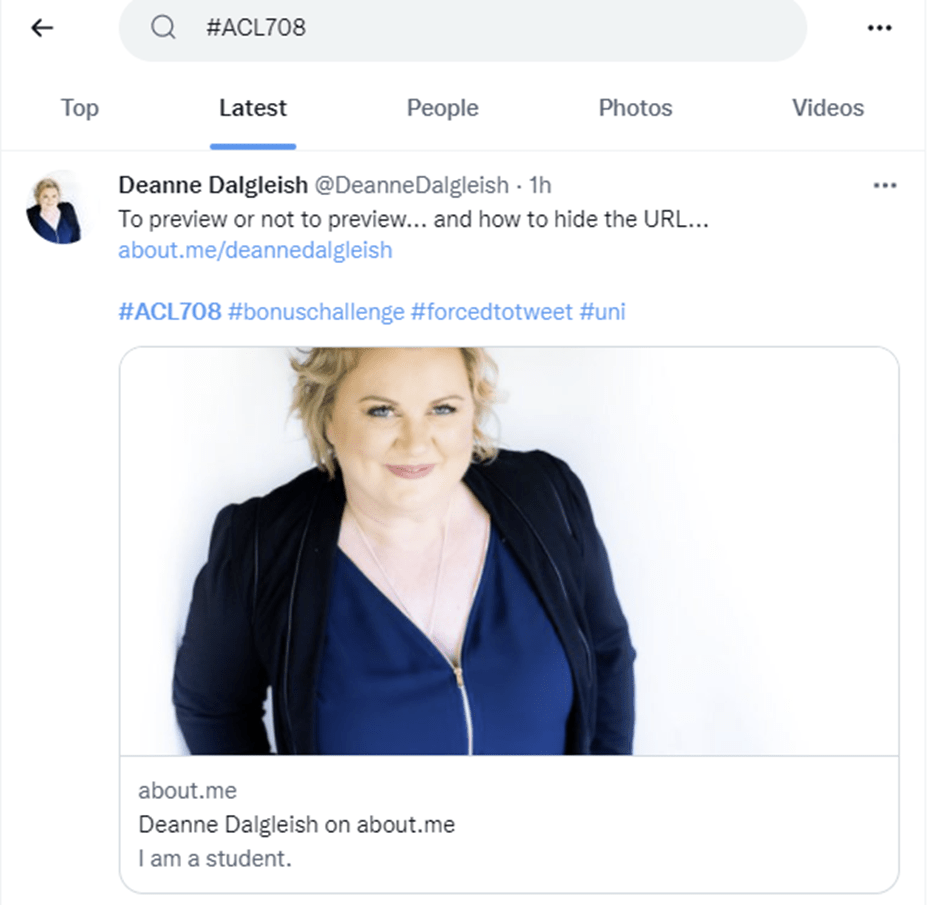
Tip 2 – Hiding the Preview
Now this tip I didn’t learn until after posting my first tweet, how to remove the preview. When you enter the URL it will display a preview, to remove it just click on the ‘X’

Tip 3 – Include Hashtags
Hashtags are used on Twitter to link the tweet to all other tweets that include the same hashtag. You just add ‘#’ to the beginning of a word, but make sure you have no spaces.
Ideally use only 1-2 hashtags. Don’t make the same mistake I did and use 4 before googling tweet etiquette.
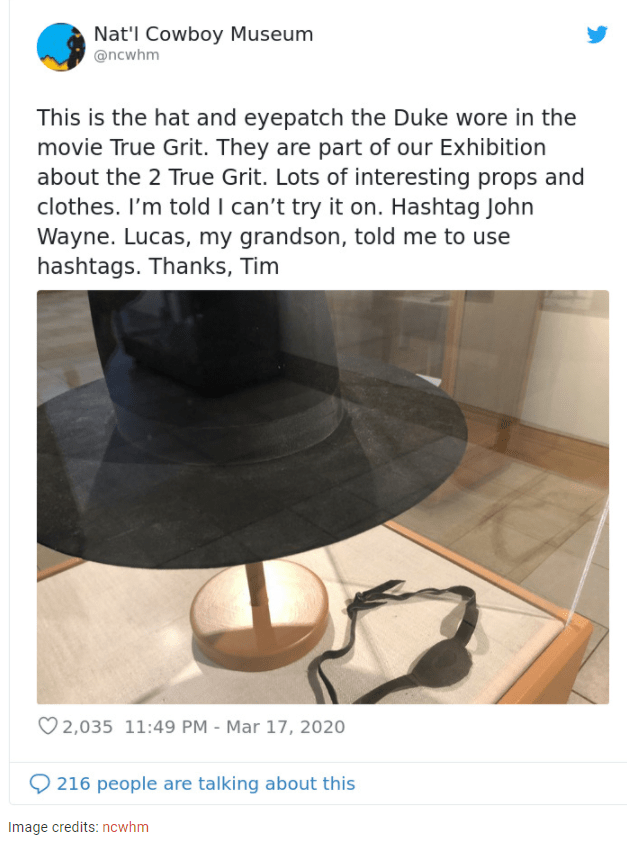
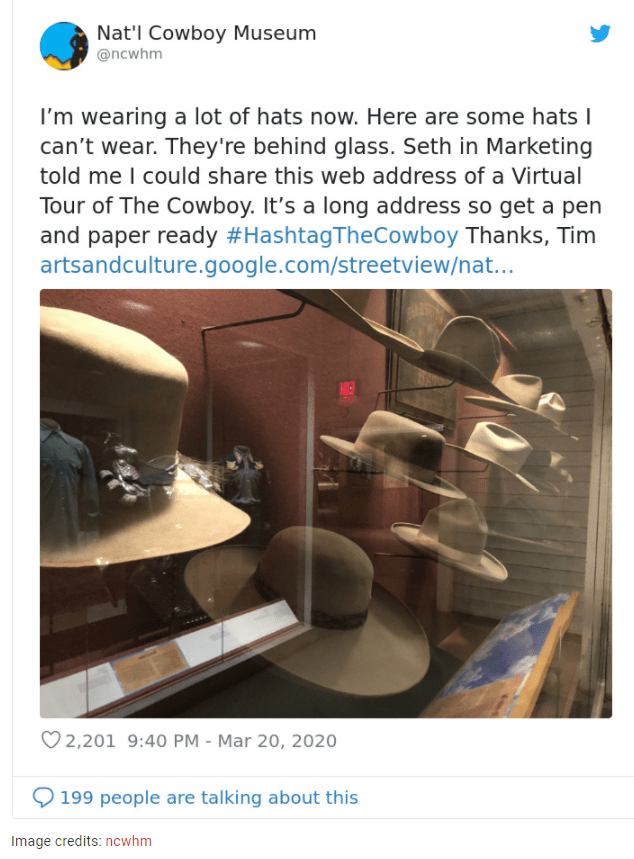
However nervous I am about tweeting I think back to the beginning of COVID lockdowns when the National Cowboy Museum in Oklahoma was closed and their head of security Tim was tasked with posting on the museum Twitter account. He typed ‘Hashtag’ instead of using the ‘#’ and his ‘#HashtagTheCowboy Thanks, Tim’ sign off has made him famous with his own merchandise now selling in the museum store.
Thanks, Deanne
 Social Media Content Creation
Leave a comment